Squarespace to code you own.

Squarespace gave you a good-looking site without a designer or a developer, and that was the right call. Here is the path from there to an agentic website: the same design, your rankings kept, and a team that ships changes by briefing its own agent.

[ Why teams move ]

The template fitted once. Now it’s deciding things.

Squarespace is very good at what it promises: a polished site, live this month, that’s hard to make ugly. Plenty of businesses should stay on it. This page is for software and B2B companies that started there and now need the website to do a growth job.

It shows up as a series of small nos. The section you want isn’t one the template offers. The blog and its URLs work one way. Anything custom means injecting code into a page and hoping it survives the next change. And the built-in export only produces a file for WordPress, with pages and posts and little else. And now a newer one: your team works with AI every day, and the website is the one place its agent can only reach in from outside.

[ Is it time? ]

Three signs your site has outgrown Squarespace.

It’s time to move if:

  • Your team uses AI every day, for everything except the website.

  • Changes queue behind the one person who knows how the site is wired.

  • The answer to most new ideas is “the template doesn’t do that”.

And it’s fine to stay if the site is a brochure that changes a few times a year and looks the way you want. Squarespace is hard to beat for that. We’ll tell you which on the Discovery call, with the evidence from your own site.

[ The path ]

From Squarespace to an agentic website, in six steps.

  1. Step 1

    Map your Squarespace site.

    Discovery reads the site as it stands: every page and section, the blog and its categories, any code injected into pages, the URL mappings you’ve set up, and every live URL. You leave with a roadmap that says what moves, what it becomes, and in what order.

  2. Step 2

    Rebuild the design as a system.

    A Squarespace site wears its template, so this step works out which decisions were yours. Your type, colour, photography and voice are kept and written into a brand.md. The layouts the template chose are rebuilt as a component library designed around your brand instead. You see the difference on a preview before committing to it.

  3. Step 3

    Move the content into your repository.

    Squarespace’s export produces a file for WordPress and leaves out most of the site. So pages, posts and galleries are read out deliberately, checked item by item, and become structured content files, with images moved and re-referenced. From here your content sits next to the code, under your name, where your agent can read all of it.

  4. Step 4

    Add the rails and the machine layer.

    The guardrails and skills your agent will run on go in: what it may touch, how a page gets built, what gets checked before anything ships. Structured data, schemas, llms.txt and a clean sitemap are set by you, rather than generated by the platform from the few fields it exposes.

  5. Step 5

    Switch over, with a net.

    The redirects go live with the switch, including the fixed blog and collection paths Squarespace created. Your domain is pointed at the new site, the Squarespace site keeps running until the new one takes over, and the subscription isn’t cancelled until you’ve watched the new site run.

  6. Step 6

    Take the keys.

    Your team connects the agent it already uses and ships its first supervised changes in the first week of handover: a real page, a real edit, with us in the room. A new section is a brief to your agent, not a search through what the template offers.

[ Piece by piece ]

What each part of your Squarespace site becomes.

On Squarespace On an agentic website
[ 01/ Design ] A template, adjusted in the site styles panel A component library and a brand.md your agent builds against
[ 02/ Content ] Pages, posts and galleries inside Squarespace Structured content files in your repository. The repo is the CMS
[ 03/ Blog ] A blog collection with fixed URL paths Content files, and URLs you decide
[ 04/ Custom behaviour ] Code injected into pages and headers Code in your repository, reviewed and versioned like the rest
[ 05/ SEO settings ] The fields the platform exposes Metadata, structured data, schemas and a sitemap, built into the site
[ 06/ URLs and rankings ] Platform paths and a URL mappings panel Every URL redirected, metadata carried over, rankings watched through cutover
[ 07/ Making a change ] Look for a section the template offers Brief the agent, check the preview, approve it
[ 08/ When something goes wrong ] Work out whether it was the template or the injected code A broken layout fails before it ships, and any change can be undone

[ The agent layer ]

On Squarespace, AI can write the copy. Your agent can’t work on the site.

Squarespace has AI built in for drafting copy and starting a layout, and there are third-party connectors that let an agent reach its commerce data. What we haven’t found is a way for your own agent to work on the site’s pages and layout from outside. The site lives inside the editor, so the agent your team uses everywhere else stops at the door.

On an agentic website the site is plain, structured files in your repository, so the agent your team already uses, Claude, Claude Code, ChatGPT, Gemini, Cursor, Codex, reads all of it and changes any of it. It builds inside your encoded brand and our rails, and the change arrives on a preview. The AI proposes, you approve what ships. A new campaign page becomes a brief, not a ticket, and adding ten marketers doesn’t add to the cost of shipping.

[ Where you land ]

An agentic website: yours, and run by your team.

An agentic website is a marketing site whose code and content live in your repository, and whose day-to-day changes are made by your agent inside encoded brand and design rules, with a person approving every change before it goes live.

  • The keys.

    Code and content in your GitHub repository, under your name, from the first commit.

  • Your agent ships it.

    Your team briefs the change in plain language and it lands on a preview. The AI proposes, you approve what ships.

  • Your brand, encoded.

    A brand.md in the codebase, so every change, from anyone, is made against your rules.

  • Our standards, baked into the rails.

    More than a decade of design and development standards, checked before anything ships.

  • The machine layer.

    Structured data, schemas, llms.txt and a clean sitemap, so the AI systems answering your buyers can read and cite your site.

  • The handover.

    Playbooks and paired working, until your team runs the site themselves.

[ Recent work ]

Built for SaaS teams like yours.

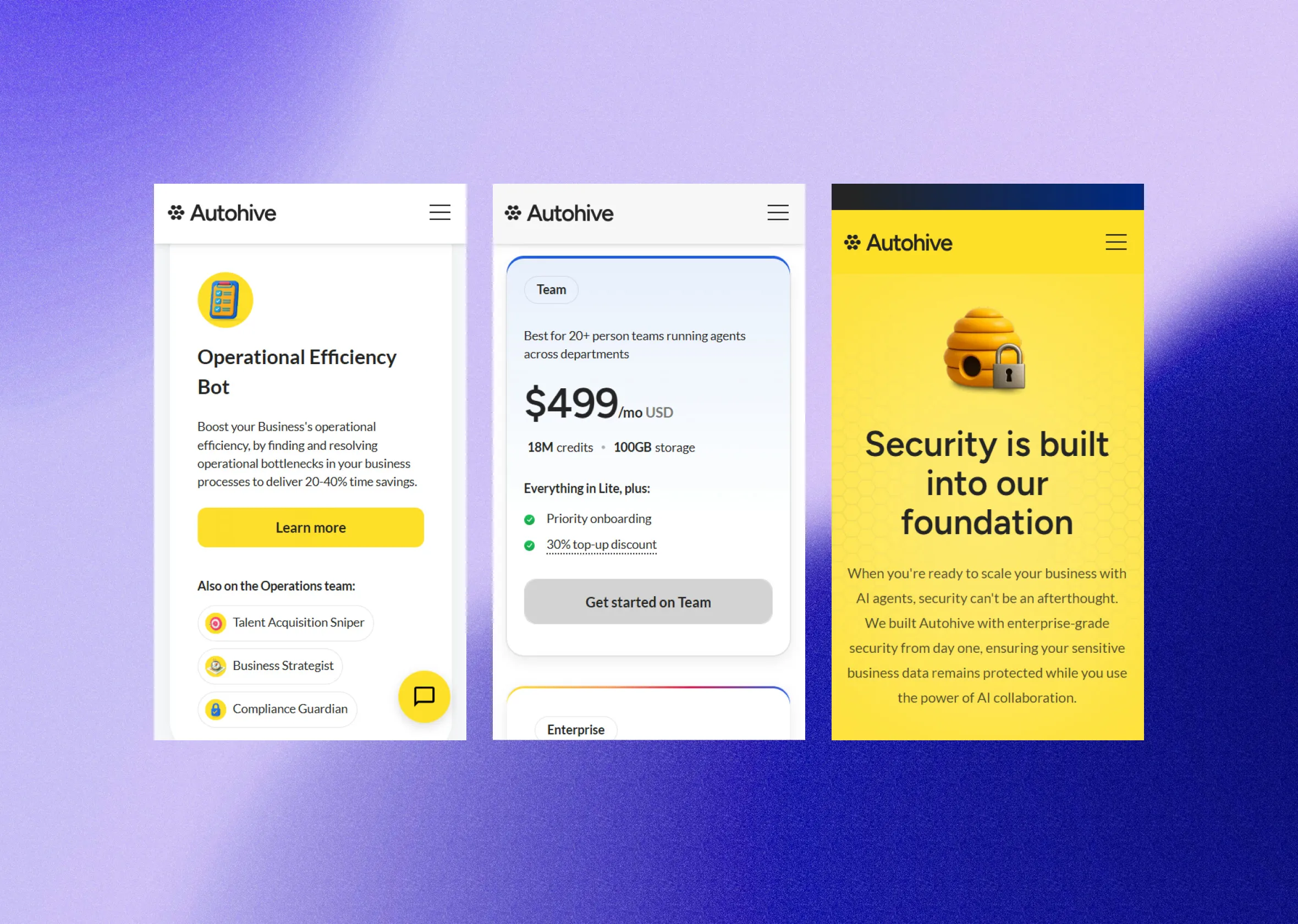
  • Three Autohive app screens on a violet gradient: an efficiency bot, a plan, and the security page. Autohive: a website that keeps pace with their marketing teamAn AI-agent company's first website, built on a component framework their designers, marketers and agents could all work in, so their marketing team builds its own landing pages and updates without waiting on anyone.Read more
  • The FMW mark on a blue and violet blur. Future of Marketing Work: a brand and website for a three-way eventAn Auckland event on how marketers adapt to digital transformation and AI, brought together by a university, the AI community and an events group. We made the brand, the website and the print.Read more
  • The Landlord Studio home page: "Simple property management software for landlords." Landlord Studio: one system for two markets, run by their marketing teamProperty management software for landlords in the US and UK. A five-year-old Webflow build redesigned, migrated onto a component-driven framework, and handed to a marketing team that now builds its own pages with AI.Read more

[ Questions we hear most ]

The honest answers.

Rheed MacPherson, founder of Signal Studio

Can’t find your answer?

Book a Discovery call and ask us directly.

Book a Discovery call
Will we lose our rankings moving off Squarespace?

A migration is built to keep them. Every live URL is mapped to its destination before anything moves, metadata travels with it, and rankings are watched through cutover so anything that shifts is caught and fixed. Squarespace sets some URL paths for you, so the map is built from your live sitemap and your Search Console data, and it covers the blog and collection paths as well as the pages.

How long does a Squarespace migration take?

The roadmap sets the timeline. It depends on the number of templates more than the number of pages. What stays fixed is the cadence: something visible ships every fortnight, from the first fortnight, on a live preview.

What happens to our pages, blog posts and galleries?

They’re read out deliberately rather than exported, because the built-in export leaves most of the site behind. Each page, post and gallery is checked against the live site and lands as versioned files in your repository, with the images moved across. It’s the least glamorous part of the move and the part mapped most carefully.

Squarespace has AI built in now. Isn’t that enough?

For drafting copy inside the editor, it helps. The difference is reach. On Squarespace the AI works inside the editor, and the agent your team already uses has no way in to the site itself. On code you own it works on the site itself: it can see all of it, run it, and check its own work before anything reaches a preview. If your team wants its agent doing the legwork across the whole site, that’s the case for moving.

Can our team still make changes ourselves?

More than before. Anyone on your team describes the change in plain language, the same way they’d brief a designer. The agent builds it inside your encoded design rules and it arrives as a preview for someone to approve. Nobody writes code or opens a terminal, and nothing ships without a person saying yes.

What’s the alternative to Squarespace for a marketing team?

The usual answers are another builder such as Wix or Webflow, or WordPress. Each solves the limit you’ve just hit and brings its own. The third option is to own it: the site as code in your own repository, with your team’s agent making the changes inside rules we set, and a person approving each one. That’s an agentic website , and a migration is how most teams get there.

Can we export our Squarespace site?

Partly. Squarespace can export a file meant for WordPress, which carries pages and blog posts and leaves out most of the rest, including the design. So a move is a rebuild rather than a transfer: content read out and checked, the design rebuilt as components, and your domain coming with you.

Does the site have to look different afterwards?

Only where the template was making the decision. Your type, colours, photography and voice stay. The layouts are rebuilt around your brand rather than copied from the template, and you see every page on a preview before anything is switched. Most teams take the chance to fix the handful of pages the template never suited.

Rheed MacPherson, founder of Signal Studio

Can’t find your answer?

Book a Discovery call and ask us directly.

Book a Discovery call
Signal Studio
Book a Discovery call
SQUARESPACE.MD SQUARESPACE

# Squarespace to code you own


For software companies that have outgrown a Squarespace template. Move onto code you own, keep your brand and rankings, and run the site with your AI agent.


## Squarespace to code you own.


Squarespace gave you a good-looking site without a designer or a developer, and that was the right call. Here is the path from there to an agentic website: the same design, your rankings kept, and a team that ships changes by briefing its own agent.


- [Book a Discovery call](/contact/)

// Why teams move

## The template fitted once. Now it’s deciding things.


Squarespace is very good at what it promises: a polished site, live this month, that’s hard to make ugly. Plenty of businesses should stay on it. This page is for software and B2B companies that started there and now need the website to do a growth job.

It shows up as a series of small nos. The section you want isn’t one the template offers. The blog and its URLs work one way. Anything custom means injecting code into a page and hoping it survives the next change. And the built-in export only produces a file for WordPress, with pages and posts and little else. And now a newer one: your team works with AI every day, and the website is the one place its agent can only reach in from outside.


// Is it time?

## Three signs your site has outgrown Squarespace.


It’s time to move if:


And it’s fine to stay if the site is a brochure that changes a few times a year and looks the way you want. Squarespace is hard to beat for that. We’ll tell you which on the Discovery call, with the evidence from your own site.


- Your team uses AI every day, for everything except the website.

- Changes queue behind the one person who knows how the site is wired.

- The answer to most new ideas is “the template doesn’t do that”.


// The path

## From Squarespace to an agentic website, in six steps.


- Map your Squarespace site.

Discovery reads the site as it stands: every page and section, the blog and its categories, any code injected into pages, the URL mappings you’ve set up, and every live URL. You leave with a roadmap that says what moves, what it becomes, and in what order.


- Rebuild the design as a system.

A Squarespace site wears its template, so this step works out which decisions were yours. Your type, colour, photography and voice are kept and written into a brand.md. The layouts the template chose are rebuilt as a component library designed around your brand instead. You see the difference on a preview before committing to it.


- Move the content into your repository.

Squarespace’s export produces a file for WordPress and leaves out most of the site. So pages, posts and galleries are read out deliberately, checked item by item, and become structured content files, with images moved and re-referenced. From here your content sits next to the code, under your name, where your agent can read all of it.


- Add the rails and the machine layer.

The guardrails and skills your agent will run on go in: what it may touch, how a page gets built, what gets checked before anything ships. Structured data, schemas, llms.txt and a clean sitemap are set by you, rather than generated by the platform from the few fields it exposes.


- Switch over, with a net.

The redirects go live with the switch, including the fixed blog and collection paths Squarespace created. Your domain is pointed at the new site, the Squarespace site keeps running until the new one takes over, and the subscription isn’t cancelled until you’ve watched the new site run.


- Take the keys.

Your team connects the agent it already uses and ships its first supervised changes in the first week of handover: a real page, a real edit, with us in the room. A new section is a brief to your agent, not a search through what the template offers.


// Piece by piece

## What each part of your Squarespace site becomes.


- Design

A component library and a brand.md your agent builds against


A template, adjusted in the site styles panel


- Content

Structured content files in your repository. The repo is the CMS


Pages, posts and galleries inside Squarespace


- Blog

Content files, and URLs you decide


A blog collection with fixed URL paths


- Custom behaviour

Code in your repository, reviewed and versioned like the rest


Code injected into pages and headers


- SEO settings

Metadata, structured data, schemas and a sitemap, built into the site


The fields the platform exposes


- URLs and rankings

Every URL redirected, metadata carried over, rankings watched through cutover


Platform paths and a URL mappings panel


- Making a change

Brief the agent, check the preview, approve it


Look for a section the template offers


- When something goes wrong

A broken layout fails before it ships, and any change can be undone


Work out whether it was the template or the injected code


- On Squarespace

- On an agentic website


// The agent layer

## On Squarespace, AI can write the copy. Your agent can’t work on the site.


Squarespace has AI built in for drafting copy and starting a layout, and there are third-party connectors that let an agent reach its commerce data. What we haven’t found is a way for your own agent to work on the site’s pages and layout from outside. The site lives inside the editor, so the agent your team uses everywhere else stops at the door.

On an agentic website the site is plain, structured files in your repository, so the agent your team already uses, Claude, Claude Code, ChatGPT, Gemini, Cursor, Codex, reads all of it and changes any of it. It builds inside your encoded brand and our rails, and the change arrives on a preview. The AI proposes, you approve what ships. A new campaign page becomes a brief, not a ticket, and adding ten marketers doesn’t add to the cost of shipping.


// Where you land

## An agentic website: yours, and run by your team.


An agentic website is a marketing site whose code and content live in your repository, and whose day-to-day changes are made by your agent inside encoded brand and design rules, with a person approving every change before it goes live.


- The keys.

Code and content in your GitHub repository, under your name, from the first commit.


- Your agent ships it.

Your team briefs the change in plain language and it lands on a preview. The AI proposes, you approve what ships.


- Your brand, encoded.

A brand.md in the codebase, so every change, from anyone, is made against your rules.


- Our standards, baked into the rails.

More than a decade of design and development standards, checked before anything ships.


- The machine layer.

Structured data, schemas, llms.txt and a clean sitemap, so the AI systems answering your buyers can read and cite your site.


- The handover.

Playbooks and paired working, until your team runs the site themselves.


- [What an agentic website is, in full](/services/agentic-websites/)

// Recent work

## Built for SaaS teams like yours.


- [Autohive: a website that keeps pace with their marketing team](/case-studies/autohive/)

An AI-agent company's first website, built on a component framework their designers, marketers and agents could all work in, so their marketing team builds its own landing pages and updates without waiting on anyone.


- [Future of Marketing Work: a brand and website for a three-way event](/case-studies/future-of-marketing/)

An Auckland event on how marketers adapt to digital transformation and AI, brought together by a university, the AI community and an events group. We made the brand, the website and the print.


- [Landlord Studio: one system for two markets, run by their marketing team](/case-studies/landlord-studio/)

Property management software for landlords in the US and UK. A five-year-old Webflow build redesigned, migrated onto a component-driven framework, and handed to a marketing team that now builds its own pages with AI.


// Questions we hear most

## The honest answers.


- Will we lose our rankings moving off Squarespace?

A migration is built to keep them. Every live URL is mapped to its destination before anything moves, metadata travels with it, and rankings are watched through cutover so anything that shifts is caught and fixed. Squarespace sets some URL paths for you, so the map is built from your live sitemap and your Search Console data, and it covers the blog and collection paths as well as the pages.


- How long does a Squarespace migration take?

The roadmap sets the timeline. It depends on the number of templates more than the number of pages. What stays fixed is the cadence: something visible ships every fortnight, from the first fortnight, on a live preview.


- What happens to our pages, blog posts and galleries?

They’re read out deliberately rather than exported, because the built-in export leaves most of the site behind. Each page, post and gallery is checked against the live site and lands as versioned files in your repository, with the images moved across. It’s the least glamorous part of the move and the part mapped most carefully.


- Squarespace has AI built in now. Isn’t that enough?

For drafting copy inside the editor, it helps. The difference is reach. On Squarespace the AI works inside the editor, and the agent your team already uses has no way in to the site itself. On code you own it works on the site itself: it can see all of it, run it, and check its own work before anything reaches a preview. If your team wants its agent doing the legwork across the whole site, that’s the case for moving.


- Can our team still make changes ourselves?

More than before. Anyone on your team describes the change in plain language, the same way they’d brief a designer. The agent builds it inside your encoded design rules and it arrives as a preview for someone to approve. Nobody writes code or opens a terminal, and nothing ships without a person saying yes.


- What’s the alternative to Squarespace for a marketing team?

The usual answers are another builder such as Wix or Webflow, or WordPress. Each solves the limit you’ve just hit and brings its own. The third option is to own it: the site as code in your own repository, with your team’s agent making the changes inside rules we set, and a person approving each one. That’s an [agentic website](/services/agentic-websites/), and a migration is how most teams get there.


- Can we export our Squarespace site?

Partly. Squarespace can export a file meant for WordPress, which carries pages and blog posts and leaves out most of the rest, including the design. So a move is a rebuild rather than a transfer: content read out and checked, the design rebuilt as components, and your domain coming with you.


- Does the site have to look different afterwards?

Only where the template was making the decision. Your type, colours, photography and voice stay. The layouts are rebuilt around your brand rather than copied from the template, and you see every page on a preview before anything is switched. Most teams take the chance to fix the handful of pages the template never suited.


- Can’t find your answer?

Book a Discovery call and ask us directly.

- [Book a Discovery call](/contact/)

Or email hello@signalstudio.co.nz