


[ Why teams move ]
The fastest way to launch isn’t always the way to keep going.
Framer is the shortest distance from a design to a live site, and the teams who choose it are usually right to. It’s built for launching: a canvas, a simple CMS and a publish button. As the site becomes a growth channel, that same simplicity starts to set the pace.
The tell is the code component. One appears because a section needed something the canvas couldn’t draw, then another, and before long the parts that matter are code living inside a design tool, reviewed by nobody and understood by whoever wrote it. The CMS is kept simple on purpose, so the content structure you need next is often a workaround. And now a newer one: your team works with AI every day, and the website is the one place its agent can only reach in from outside.
[ Is it time? ]
Three signs your site has outgrown Framer.
It’s time to move if:
And it’s fine to stay if the site is a handful of pages that change a few times a year, or you’re still finding out what the site should be. Framer is a very good place to be for that. We’ll tell you which on the Discovery call, with the evidence from your own site.
[ The path ]
From Framer to an agentic website, in six steps.
- Step 1
Map your Framer site.
Discovery reads the site as it stands: the pages and their breakpoints, the components and their variants, the CMS collections, every code component and override and the job each one does, and every live URL. You leave with a roadmap that says what moves, what it becomes, and in what order.
- Step 2
Rebuild the design as a system.
Framer sites are built with real layout rather than a template, so the design translates closely. Frames, stacks and component variants become a component library in code, with the rules for using them written into a brand.md. Every page is checked against the live one, side by side.
- Step 3
Move the content into your repository.
CMS collections are read out and become structured content files, with their fields and references mapped one at a time. Code components are read for the job they do and rebuilt in the open, where they can be reviewed. From here your content sits next to the code, under your name, where your agent can read all of it.
- Step 4
Add the rails and the machine layer.
The guardrails and skills your agent will run on go in: what it may touch, how a page gets built, what gets checked before anything ships. The machine layer goes in with them: structured data, schemas, llms.txt and a clean sitemap, set by you rather than by the settings the platform exposes.
- Step 5
Switch over, with a net.
The redirects go live with the switch, so no URL is ever without a destination. Framer sites tend to be young, so the URL list is usually short and every rule is easy to read. Your Framer site keeps running untouched until the new one takes over, and the Framer plan isn’t cancelled until you’ve watched the new site run.
- Step 6
Take the keys.
Your team connects the agent it already uses and ships its first supervised changes in the first week of handover: a real page, a real edit, with us in the room. The next thing the site needs is a brief to your agent, not a wait for it to appear on someone else’s roadmap.
[ Piece by piece ]
What each part of your Framer site becomes.
| On Framer | On an agentic website | |
|---|---|---|
| [ 01/ Design ] | Frames, stacks and component variants on the canvas | A component library and a brand.md your agent builds against |
| [ 02/ Content ] | CMS collections, kept deliberately simple | Structured content files in your repository. The repo is the CMS |
| [ 03/ Custom behaviour ] | Code components and overrides inside the design tool | Code in your repository, reviewed and versioned like the rest |
| [ 04/ Animation ] | Effects and transitions set on the canvas | Rebuilt in code, component by component |
| [ 05/ URLs and rankings ] | A young site with a short URL list | Every URL redirected, metadata carried over, rankings watched through cutover |
| [ 06/ Making a change ] | Open the canvas, or ask whoever wrote the code component | Brief the agent, check the preview, approve it |
| [ 07/ Adding a teammate ] | Another editor on the plan | No seats. The cost of shipping stays flat |
| [ 08/ When something goes wrong ] | Publish, and hope that was the change | A broken layout fails before it ships, and any change can be undone |
[ The agent layer ]
On Framer, your agent edits the canvas. On your code, it runs the site.
Framer has opened up to agents quickly. Its MCP plugin lets an agent read a project’s pages, components and styles, change text and manage CMS items, and there’s AI built into the canvas for layouts and copy. That’s real help for edits. But the agent is working inside a design tool, through what the plugin exposes. It can’t run the site, and it can’t check its own work before it’s published.
On an agentic website the site is plain, structured files in your repository, so the agent your team already uses, Claude, Claude Code, ChatGPT, Gemini, Cursor, Codex, reads all of it and changes any of it. It builds inside your encoded brand and our rails, and the change arrives on a preview. The AI proposes, you approve what ships. A new campaign page becomes a brief, not a ticket, and adding ten marketers doesn’t add to the cost of shipping.
[ Where you land ]
An agentic website: yours, and run by your team.
An agentic website is a marketing site whose code and content live in your repository, and whose day-to-day changes are made by your agent inside encoded brand and design rules, with a person approving every change before it goes live.
-
The keys.
Code and content in your GitHub repository, under your name, from the first commit.
-
Your agent ships it.
Your team briefs the change in plain language and it lands on a preview. The AI proposes, you approve what ships.
-

Your brand, encoded.
A brand.md in the codebase, so every change, from anyone, is made against your rules.
-

Our standards, baked into the rails.
More than a decade of design and development standards, checked before anything ships.
-

The machine layer.
Structured data, schemas, llms.txt and a clean sitemap, so the AI systems answering your buyers can read and cite your site.
-

The handover.
Playbooks and paired working, until your team runs the site themselves.
[ Recent work ]
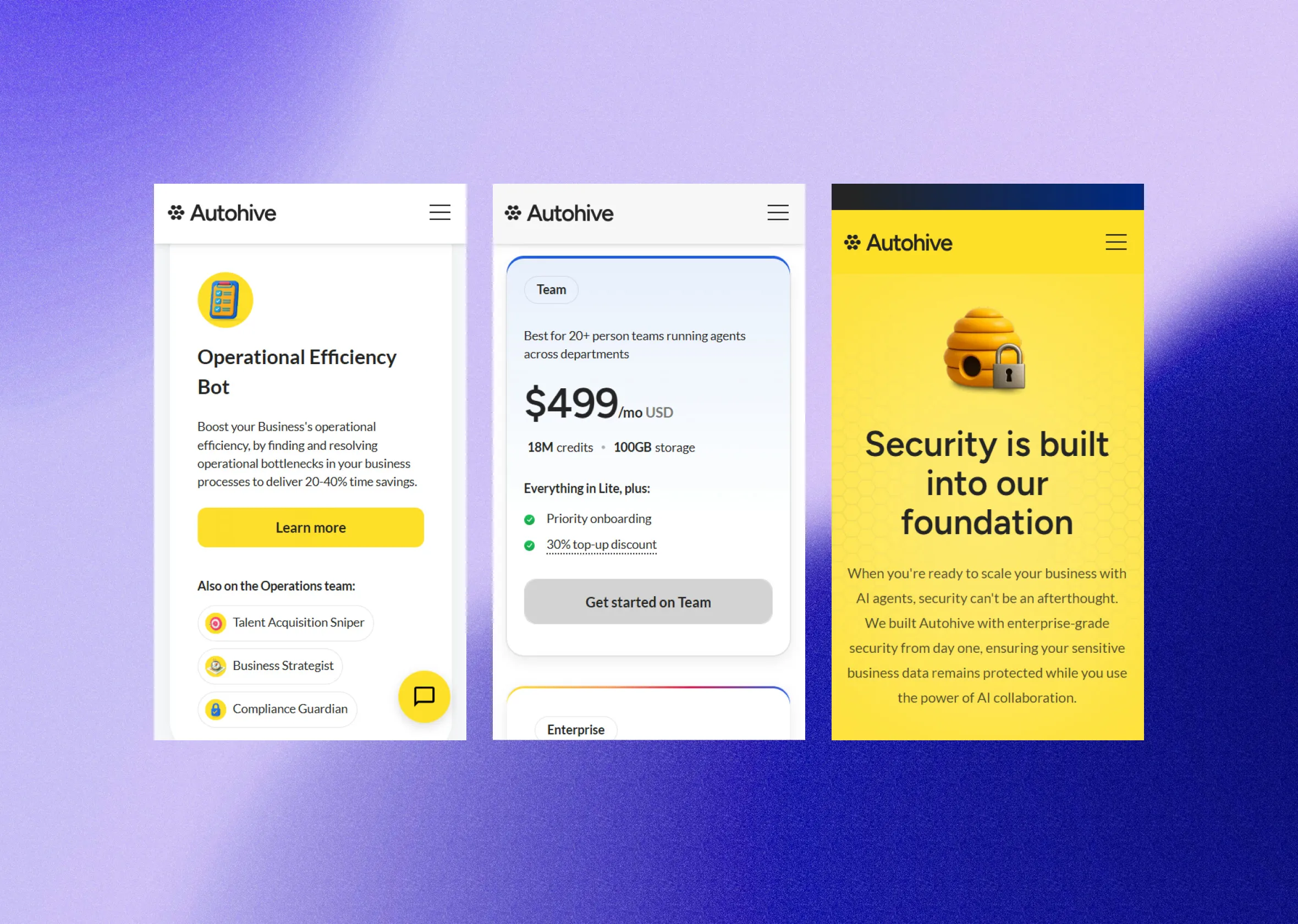
Built for SaaS teams like yours.

[ Questions we hear most ]
The honest answers.

Can’t find your answer?
Book a Discovery call and ask us directly.
Or email hello@signalstudio.co.nz
Will we lose our rankings moving off Framer?
A migration is built to keep them. Every live URL is mapped to its destination before anything moves, metadata travels with it, and rankings are watched through cutover so anything that shifts is caught and fixed. Framer sites tend to be young, with a short, clean URL list, so the plan is easy to read and easy to check.
How long does a Framer migration take?
The roadmap sets the timeline. It depends on the number of templates more than the number of pages. What stays fixed is the cadence: something visible ships every fortnight, from the first fortnight, on a live preview.
What happens to our Framer CMS collections and code components?
Collections become versioned files in your repository, next to the code, where your agent can edit them. Code components are the interesting part: each is read for the job it does and rebuilt in the open, so logic that was living inside a design tool becomes code your team can review and change.
Framer has AI and an MCP plugin now. Isn’t that enough?
For edits on the canvas, it helps. The difference is reach. On Framer the agent works inside the design tool, through what the plugin exposes. On code you own it works on the site itself: it can see all of it, run it, and check its own work before anything reaches a preview. If your team wants the agent doing the legwork across the whole site, that’s the case for moving.
Can our team still make changes ourselves?
More than before. Anyone on your team describes the change in plain language, the same way they’d brief a designer. The agent builds it inside your encoded design rules and it arrives as a preview for someone to approve. Nobody writes code or opens a terminal, and nothing ships without a person saying yes.
What’s the alternative to Framer for a marketing team?
The usual answers are a bigger site builder like Webflow, or a headless CMS with a custom front end. The first is a larger version of the same trade; the second adds a second system and a developer queue. The third option is to own it: the site as code in your own repository, with your team’s agent making the changes inside rules we set, and a person approving each one. That’s an agentic website , and a migration is how most teams get there.
Can we export our Framer site’s code?
Not as a working site. Framer doesn’t offer a full site export, and the third-party tools that turn components into React give you a snapshot of the output, not a system your team can keep building on. A migration rebuilds the site as components your team and your agent can extend.
Is it worth moving a site that’s only a year or two old?
It can be, and it’s when the move is at its smallest: fewer pages, less URL history, fewer workarounds to untangle. The test isn’t the site’s age. It’s whether the website has become a growth channel and the team is already working around the canvas.
Can’t find your answer?
Book a Discovery call and ask us directly.
Or email hello@signalstudio.co.nz